
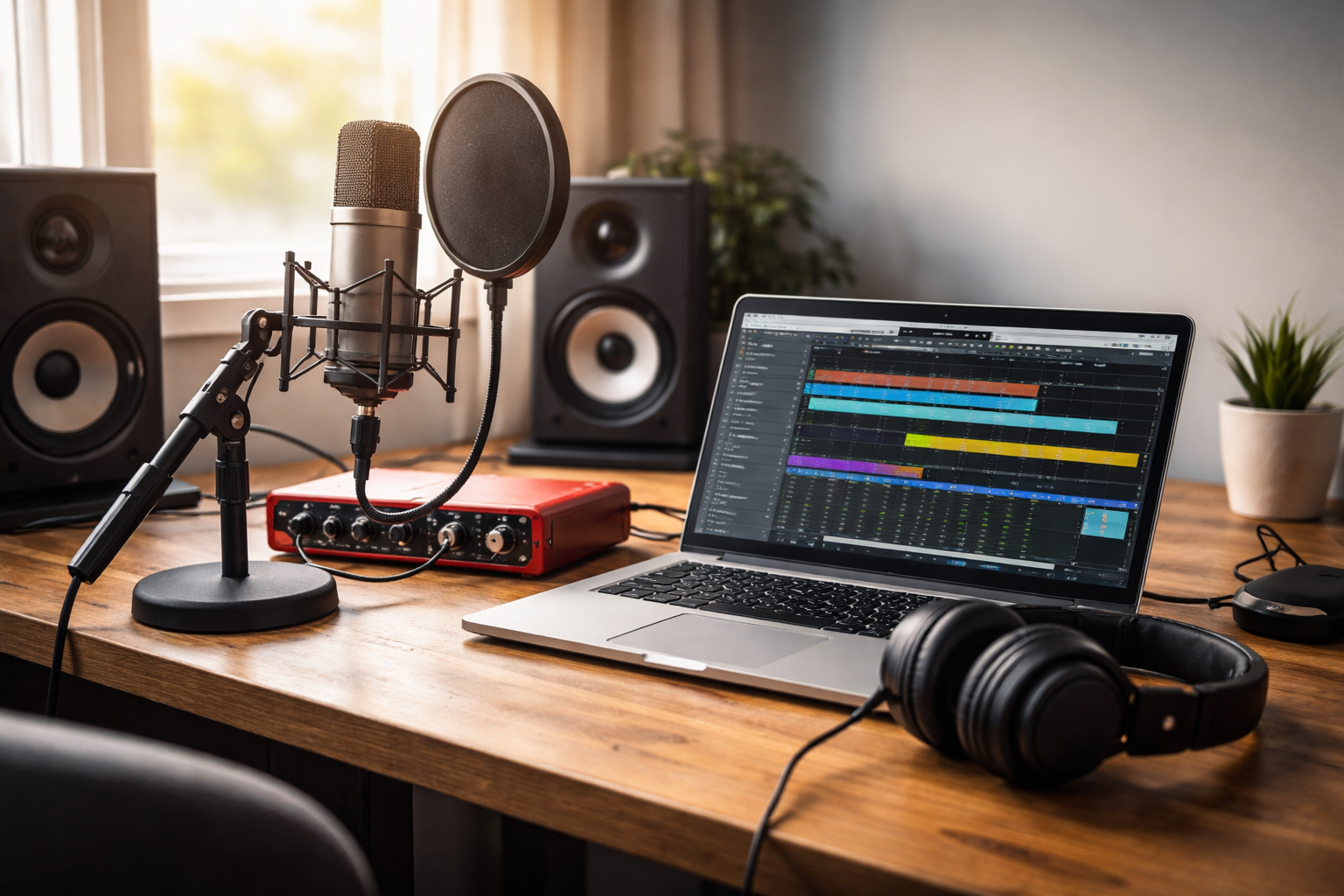
Home Recording Made Simple: A Beginner’s Guide to Getting Started
Who remembers the 1997 number one I Could Never Be Your Woman by White Town? More importantly—does anyone remember why it stood out? It was a completely DIY track, written and recorded by one person in their bedroom. No big studio, no huge budget—just creativity and some basic gear. Fast forward nearly 30 years, and what was impressive then is now more accessible than ever. Today, getting professional-quality sound from home isn’t unusual—it’s the norm.
These days, almost every home already has the most important piece of a home studio: a computer. Whether you’re using Windows or Mac, you’re already most of the way there. And whether you’re a guitarist, singer, podcaster, or just someone looking to record ideas at home, the basic setup is largely the same.
Setting up a home studio is much simpler than it sounds. Once you’ve got your computer, you’re really just adding a few key pieces to bring everything together.
Essential gear to get started:
-
Audio Interface – This connects your microphone or instrument to your computer and massively improves sound quality. Most use USB and work on both Windows and Mac with minimal setup. The new Fender Audiobox Go is a great affordable choice for guitarists and singer songwriters alike.
-
Microphone – A USB mic is the easiest option for beginners, while an XLR mic (used with an interface) gives you better quality and more flexibility long-term. We are a big fan of the Citronic CM25 Condenser Microphone as a great all-rounder and first recording mic.
-
Headphones – A good pair of closed-back headphones helps you hear clearly without worrying about your room acoustics. The JTS HP-565 Studio Headphones are a great choice with exceptional comfort
-
Recording Software (DAW) – This is where you record and edit. GarageBand (Mac), Reaper, or Ableton are all great starting points.
Once you’ve got these, the setup is pretty straightforward. Your microphone plugs into the interface, the interface connects to your computer, and your headphones plug into the interface so you can hear everything properly. Most devices are plug-and-play, so you won’t be dealing with anything too technical.
One thing worth keeping in mind is compatibility—but thankfully, most modern gear is designed to work seamlessly across both Windows and Mac. As long as you’re choosing well-supported equipment, you shouldn’t run into issues.
When it comes to microphones, it’s easy to get overwhelmed by choice—but for most home setups, what you’re actually looking for is a large diaphragm condenser microphone. That might sound technical, but it’s simpler than it seems.
“Condenser” just means the microphone is designed to be more sensitive and detailed than a typical dynamic mic. It picks up more nuance in your voice or instrument, which is why it’s commonly used for vocals, acoustic guitars, and podcasts. The “large diaphragm” part refers to the size of the capsule inside the mic—the bit that captures the sound. A larger diaphragm tends to give a fuller, warmer, more polished sound, which is exactly what most people are after when recording at home.
That’s why you’ll see large diaphragm condenser mics used on countless recordings—they’re versatile, forgiving, and give you that “studio” sound straight away. If you want something quick and easy, a USB version can work well. If you’re thinking longer-term, an XLR version paired with an audio interface will give you the best results and more room to grow.
Headphones are often overlooked, but they make a big difference. Starting with headphones instead of speakers removes a lot of variables and helps you focus on getting clean recordings. You can always expand your setup later once you’re more comfortable.
Finally, don’t get stuck trying to build the “perfect” studio. The best setup is the one that lets you start creating straight away. Keep it simple, learn as you go, and upgrade when you feel the need—not before.
If you’re unsure what gear is right for you, it’s always worth getting a bit of advice before buying. Choosing equipment that’s easy to use, reliable, and works across both Windows and Mac will save you a lot of time and frustration—and get you recording much sooner. Here at Intasound we can offer such advice, both on Windows and Mac platforms, and what equipment would best suit you. Just pop in for a coffee and a chat!


